Product photography
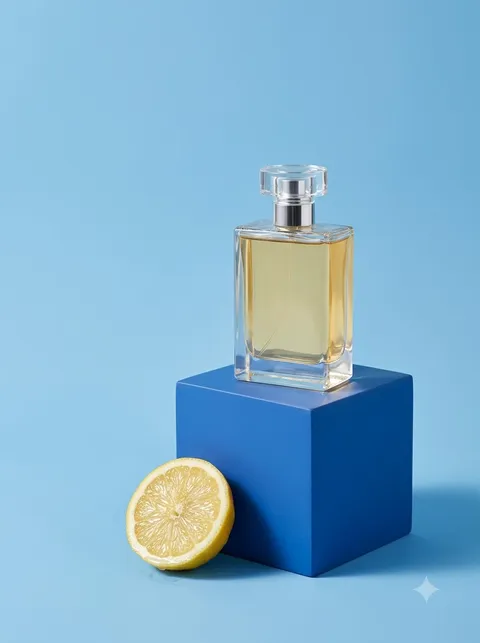
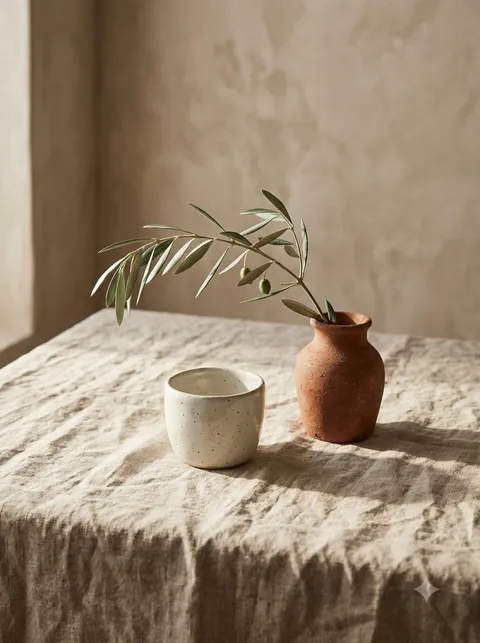
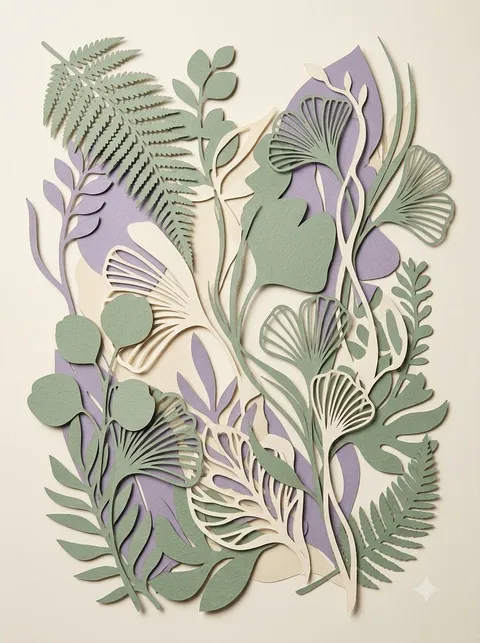
Sage skincare bottle on limestone
A restrained cosmetic scene built around one ivory bottle, a warm stone pedestal and a muted green backdrop.
The exact prompt
Create exactly ONE image, not a video, with Nano Banana 2.1, portrait 3:4. A premium unbranded frosted ivory skincare bottle with a dark sage cap on a round warm limestone pedestal. Muted sage green background, soft window light from the upper left, delicate realistic shadows, elegant minimal commercial product photography, tactile natural materials, carefully balanced composition, no text, no logos, no watermark, no people. Use the current single-image output setting. Ask me to confirm before generating and show the credit cost if available. Do not generate variants or any additional media.
This example was generated in Flow. Output varies; an identical image or identical behaviour in Gemini Apps is not guaranteed.
Added 2026-10-19 · Selected by the project owner
About this saved instruction
The saved prompt includes instructions for the original Flow session, including a request for confirmation. They are retained in the exact copy; they are not a promise about current pricing or the behaviour of another interface.
Understand the scene
What this prompt is asking for
The prompt gives a simple cylindrical bottle a clear place in the frame: it stands alone on a round limestone pedestal, with room around its silhouette. A dark sage cap links the object to the background while the pale body separates it from that background. This makes the composition useful as a starting point for a cosmetic campaign mood board.
Soft window light from the upper left is the main photographic instruction. It works with the requested natural materials and delicate shadow rather than asking for a dramatic high-contrast effect. The scene is unbranded; it does not demonstrate that a generator can preserve an existing label or a particular real-world SKU.
Subject
Keep one bottle as the main object. Adding several packages changes the balance and the visual hierarchy.
Surface
The rounded limestone base introduces warm grain and a broad contact surface beneath the straight bottle.
Light
The upper-left window-light instruction establishes direction; the shadow should remain consistent with it.
How to use it
- Copy the complete prompt and open your chosen image-generation interface.
- The recorded example used Google Flow and Nano Banana 2.1. Choose the appropriate image mode and portrait 3:4 where available; check the provider's current quota or charge before submitting.
- Compare your output with the intended scene, inspect fine details and keep the text of any changes you make.
Read the full copying and setup guide ↗
Adapt the idea
Product
Replace the bottle description with one cream jar or another simple container. Keep the rest of the scene unchanged for your first attempt.
Palette
Change sage to a specific muted colour and update both the cap and backdrop descriptions together.
Surface
Try pale plaster instead of limestone if you need a quieter texture. Expect the base and its shadow to change.
What to inspect in your result
- Check the cap, bottle edge and contact shadow at full size. A pleasing thumbnail can hide inconsistent geometry.
- If you add lettering in a new version, check every character; the shown prompt requests no text.
These are checks for your own generation, not a claim that every listed defect occurred in the displayed example. AI-generated images need a suitability and rights review for your intended use.